
Name Day Coupons for WooCommerce Pro
Set the delivery time, email copy and usage limits for name-day coupons, and import your own calendar.
Plugin gallery
Pro Name Day Coupons – Extension for the Free Plugin
To use the Pro version, you need to have the free "Name Day Coupons for WooCommerce" (Free Name Day Coupons) plugin and WooCommerce installed and activated. First, activate Free, then Pro. Both Free and Pro must remain active at the same time; Pro alone does not work without Free.
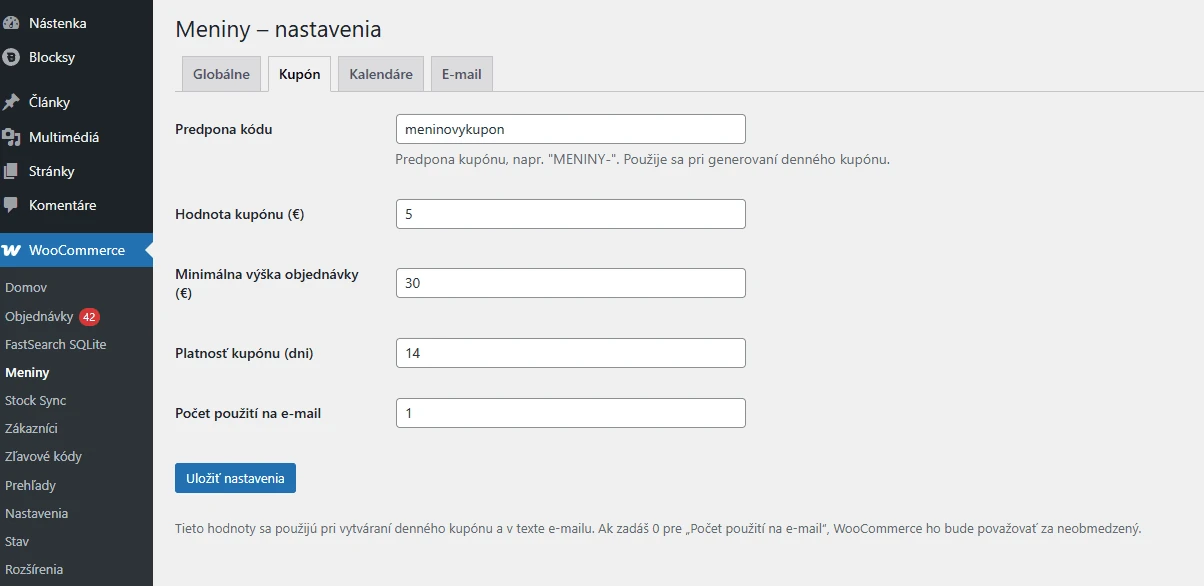
Customize name day coupons for your online store. Pro expands the free "Name Day Coupons for WooCommerce" plugin with customizable send times, email texts, coupon prefixes, number of uses, and the ability to import your own calendar.
Get the free plugin on WordPress.org. In WordPress, go to Plugins → Add New, search for „Name Day Coupons for WooCommerce,“ and click Install and Activate. Then install the Pro add-on.
What Do You Get with the Free Version?
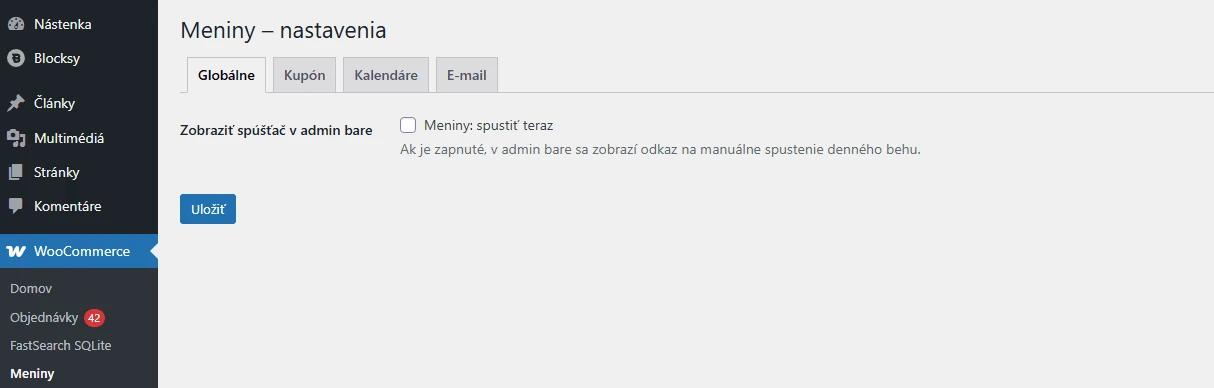
Free automatically sends name day emails every day at 9:00 a.m. based on WordPress’s time zone. It includes Slovak and Czech calendars, as well as customizable discount amounts, minimum order amounts, and coupon validity periods. It also includes manual triggering, a test email, and a log of daily sends to prevent duplication. The Free version works without a license and has no time limit.
Comparison of Free and Pro
| Function | Free | For |
|---|---|---|
| Automatic Daily Sending | At 9:00 a.m. | Personal Time |
| Manual Submission and Test Email | Yes | Yes |
| Slovak and Czech Calendars | Yes | Yes |
| Import Your Own CSV Calendar | No | Yes |
| Discount Amount, Minimum Order, and Validity | Adjustable | Adjustable |
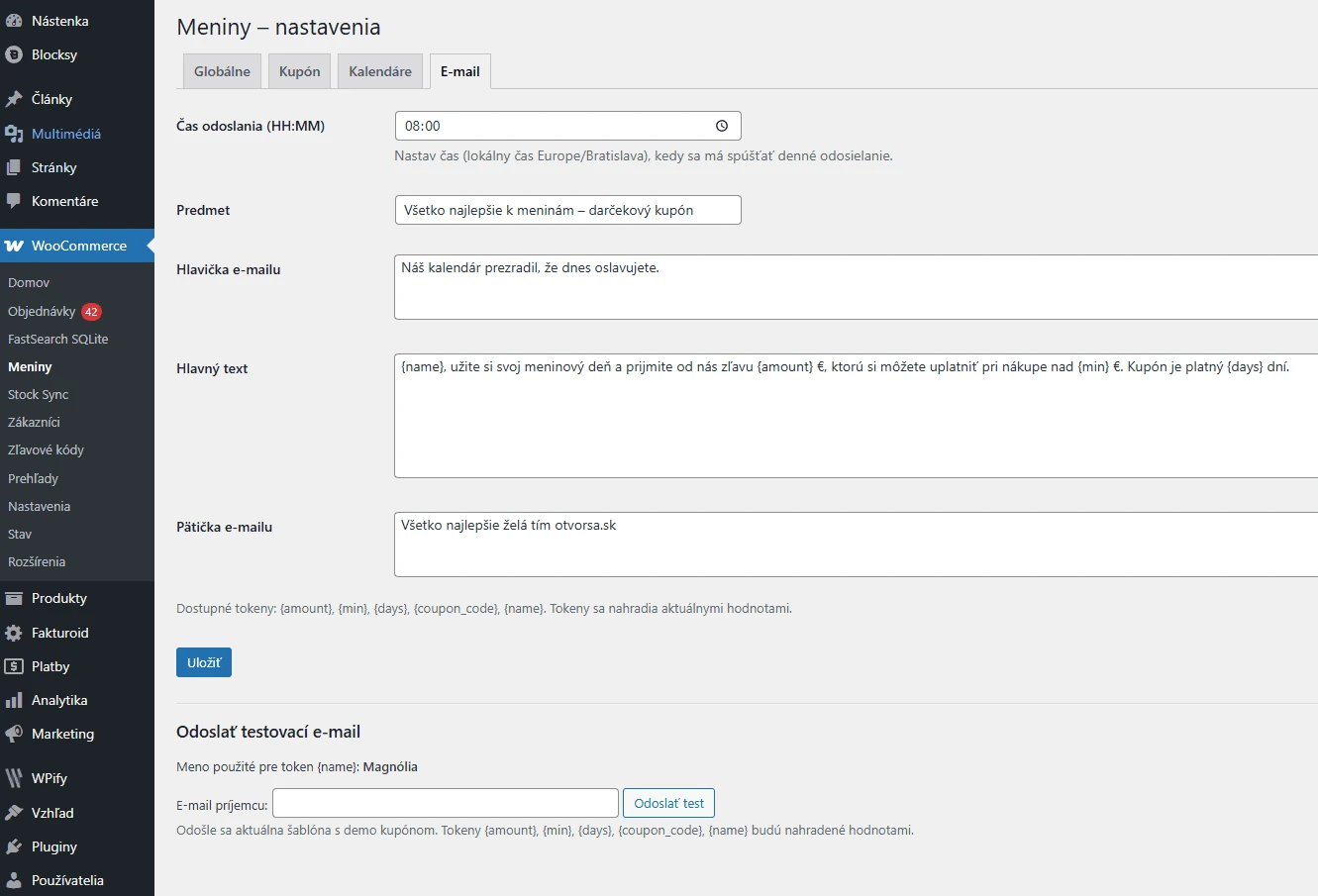
| Email Subject and Body | Ready-made template with a salutation | Custom Text and Variables |
| Coupon prefix | NAME DAYS- | Own |
| Number of uses per customer | 1 | Adjustable |
How do name day coupons work?
The core plugin searches for people celebrating a birthday by name in customer accounts and order data. It creates a single, shared coupon for the day with a fixed discount amount and sends it to recipients via email. The number of uses per customer is managed by WooCommerce. The coupon is not individually tied to the recipient’s email address.
Pro allows you to choose your own send time and customize the subject line, header, body, and footer of the email. Variables will automatically fill in the name, coupon code, and terms and conditions. You can import your own calendar from a CSV file.
Installation and Activation
- Install and activate WooCommerce and the free "Name Day Coupons for WooCommerce" plugin.
- After purchasing, download Pro ZIP and install it via Plugins → Add New → Upload Plugin.
- Activate Pro, then go to WooCommerce → Meniny → Overview and enter the license number from your order.
- Keep both the Free and Pro versions active. After verifying the license, configure the paid options and send a test email.
License, Updates, and Support
The purchase includes a license for one website and one year of updates and support. Pro features are unlocked after successful verification of a valid paid license. After the license expires, the activated features will continue to work; renewal is required for further updates and support. Manually deactivating the license or turning off Pro will revert the settings to Free mode. Your custom settings will remain saved.
What You Should Know
- Posting uses the WordPress scheduler. For precise timing on a less-visited website, set up a recurring cron job on your hosting server.
- WooCommerce calculates fixed discounts and VAT based on the store settings. For prices entered without VAT, the coupon value serves as the basis for the pre-tax discount; the final savings may also include a reduction in tax.