











MakeMeHappy Product Search Pro – a search extension for WooCommerce
PRO requires the free MakeMeHappy Product Search for WooCommerce plugin and WooCommerce to be installed and active. First, activate the Free version, then the PRO version. Both plugins must remain active at the same time.
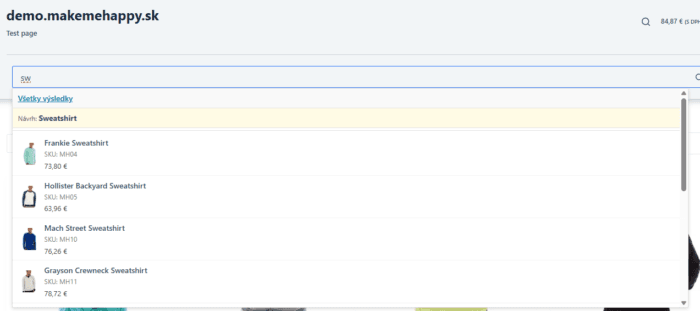
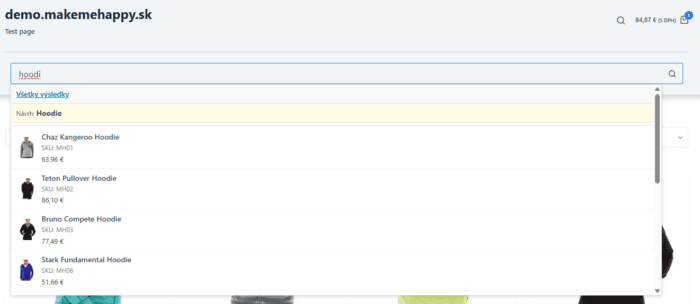
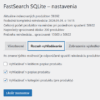
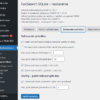
Help customers find the right product even if they make a typo or search by brand, tag, or attribute. PRO enhances the free live search with typo tolerance, expanded product details, custom suggestions, animated search bar text, and local analytics.
Get the free plugin on WordPress.org. In WordPress, go to Plugins → Add New, search for „MakeMeHappy Product Search for WooCommerce,“ and click Install and Activate.
What do you get with the PRO plan?
- Typo tolerance: Adjustable sensitivity and number of suggested words when searching for products.
- Brands, product tags, and attributes: expanding the data that customers use to find a product.
- Compliance Information: an explanation of which entry corresponds to the search term.
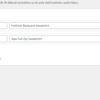
- My own suggestions: Separate lists for products, articles, and combined searches.
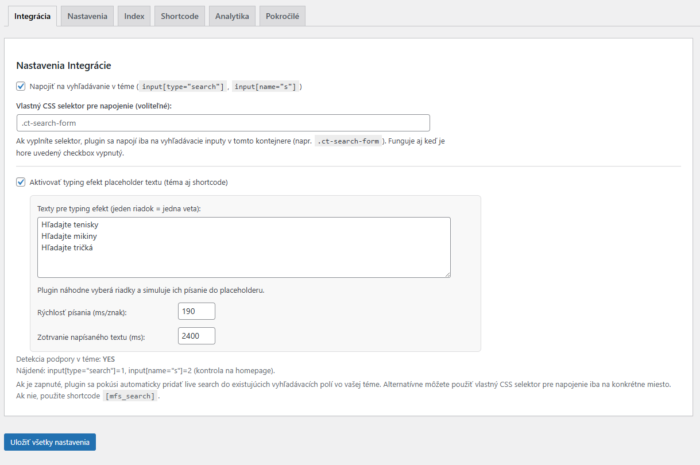
- Animated text: The effect of typing in the search field via a shortcode also appears in the linked field of the theme. The animation pauses while the customer is typing and when movement is restricted.
- Mode based on CSS selector: Different search scope settings for individual fields on the page.
- Local Analysis: An overview of search terms and clicks, stored in WordPress. Once enabled, the number of clicks can affect product rankings.
Comparison of Free and PRO
| Function | Free | PRO adds |
|---|---|---|
| Real-time search for products, categories, and articles | Yes | Advanced Search Options |
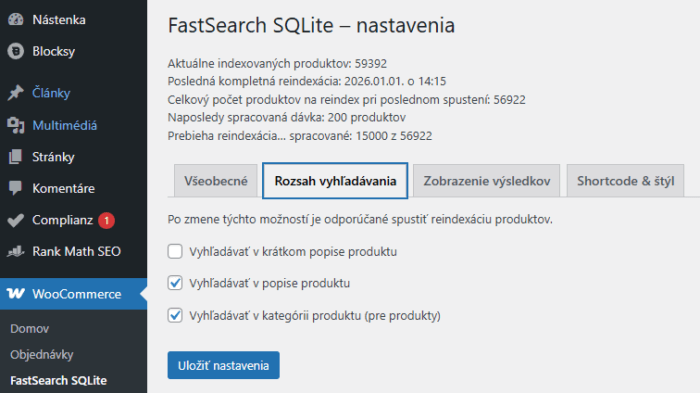
| Title, description, short description, SKU, and categories | Yes | Tags, labels, and attributes |
| Search Without Diacritics and SKU Normalization | Yes | Typo Tolerance |
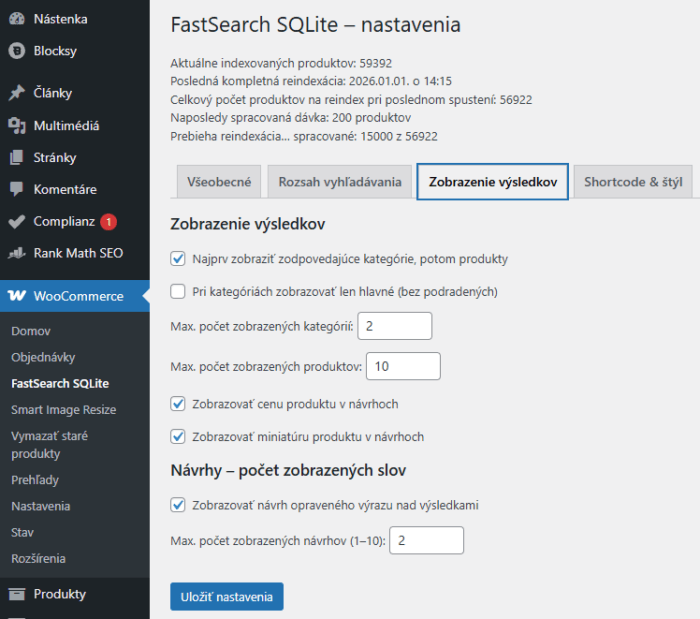
| Product images and prices in the search results | Yes | Declaration of Conformity |
| Shortcode and Link to the Theme Field | Yes | Animated text and range based on the selector |
| Manual and Scheduled Indexing | Hourly, daily, and weekly | Indexing of Extended Product Data |
| Custom Proposals and Local Analytics | No | Yes |
| License | No license required and no time limit | Paid license for one website |
How does the search function work?
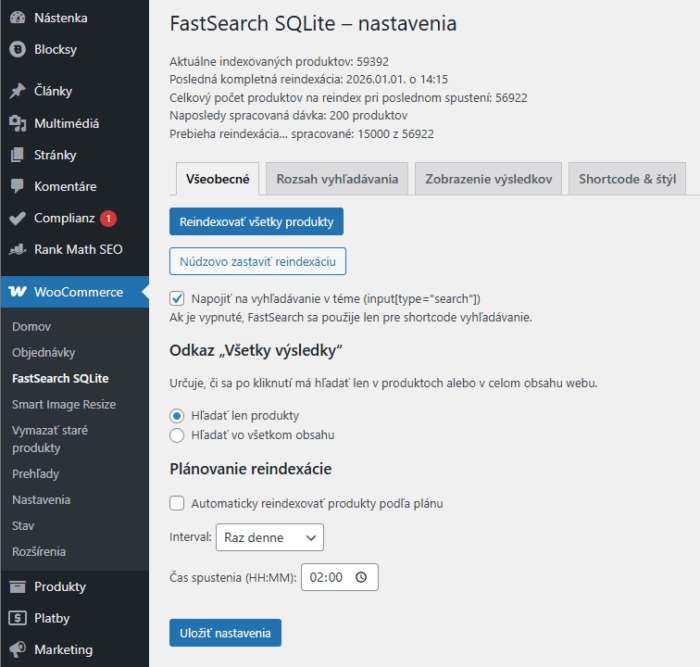
The free plan stores product data in a local SQLite database on your hosting server. Results are displayed below the search field without refreshing the page. Posts use the WordPress search function. An external search service is not required.
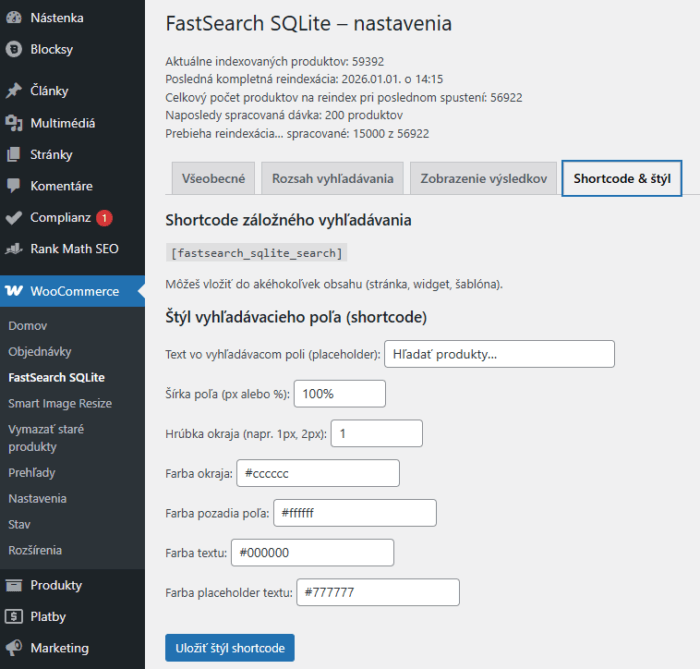
You can link the search to an existing topic field or insert it using [mmhps_search], or [mmhps_search scope="all"]. You can configure the field's appearance, the number of results, the search scope, and exclusions in the plugin's admin panel.
Installation and Activation
- Install and activate WooCommerce and the free MakeMeHappy Product Search for WooCommerce, version 0.11.1 or later.
- After purchasing, download PRO ZIP and install it via Plugins → Add New → Upload Plugin.
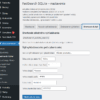
- Activate PRO and enter a valid paid license key in the MakeMeHappy Product Search settings.
- After verifying the license, configure the advanced options and start a new indexing process. Keep both the Free and PRO versions active.
License, Updates, and Support
The purchase includes a license for one website and one year of updates and support. PRO features are unlocked upon successful activation of a valid paid license. After the license expires naturally, the features already activated on that website will remain available; renewal is required for further updates and support.
Manually deactivating the license or turning off PRO will restore the Free features. Saved settings and analytics are preserved. Activating the license and checking for updates require an internet connection; search terms are not sent to the license server.
What You Should Know
- Requires WordPress 6.5+, PHP 7.4+, and plugins
pdo_sqlite,mbstringaiconv. The index directory in "uploads" must be writable. - Product changes will take effect after the next index run. Indexing is performed in batches; a working WP-Cron is required for automatic background processing.
- Product variants do not have their own SKU.
- Analytics is optional and tracks aggregate counts, not conversion metrics or time series data.
- The interface includes EN, SK, and CZ. The POT template and custom translations are free of licensing restrictions.
You can search for Try it on the demo site.
Reviews
There are no reviews yet.