




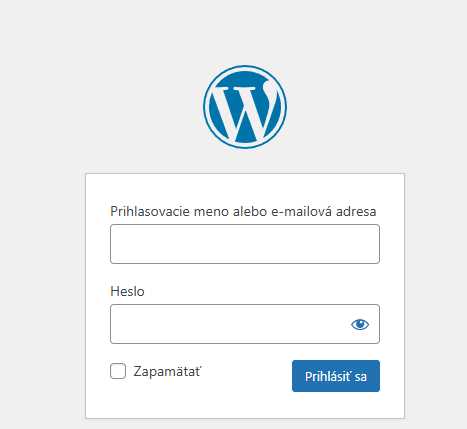
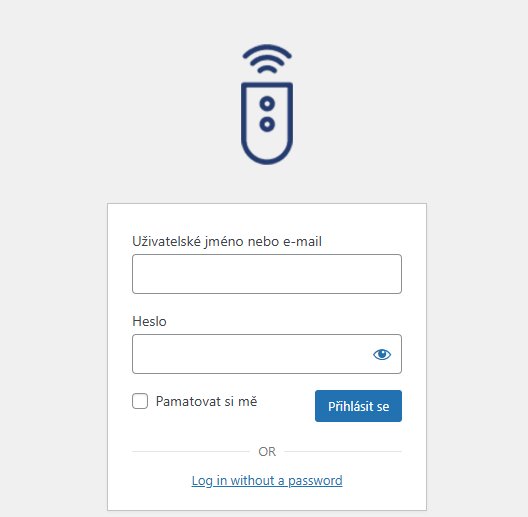
The default WordPress logo on the login screen (wp-login.php) is fine, but if you're building a website for a client or want to strengthen your own brand, replacing it with your own is an important detail. This simple snippet allows you to override the original style and insert a custom image there without having to install heavy plugins.
What does this code do?
Snippet uses action login_enqueue_scripts, which inserts a custom CSS style directly into the header of the login page. In the code we target the selector #login h1 a, which is exactly where the WordPress logo is displayed by default.
In the code you can edit:
- the URL of the image: Just overwrite the link in
url('')for your own path to the logo. - Dimensions: Values
widthaheight(150px in our case) to fit the proportions of your logo.
PHP
function custom_login_logo() { ?>
    <style type="text/css">
        #login h1 a {
            /* ENTER THE ADDRESS TO YOUR LOGO HERE */
            background-image: url('https://vasadomena.sk/wp-content/uploads/logo.png');

            background-size: contain;
            width: 150px;
            height: 150px;
            background-position: center;
            display: block;
        }
    </style>
<?php }
add_action('login_enqueue_scripts', 'custom_login_logo');