












Withdrawal button: new obligation for Slovak e-shops from 19 June 2026
From 2026, it is mandatory for every e-shop to allow customers to withdraw from the contract via a visible button or form. Don't risk unnecessary penalties and automate the entire return process within 14 days.
Legislation vs. Your Reality: The law is clear: Consumers have the right to return goods purchased online within 14 calendar days of receipt, without giving any reason. The new legislation in force from 2026 adds a strict condition - e-shops must have a visible opt-out button or form on their website. No more hiding PDF forms in the terms and conditions. If you don't make it easy for the customer, you're breaking the law. In addition, your e-shop must refund payment within 14 days of receipt of the notice, which requires immediate notification and correct details from the customer.
How our plugin addresses the letter of the law (and protects your time):
-
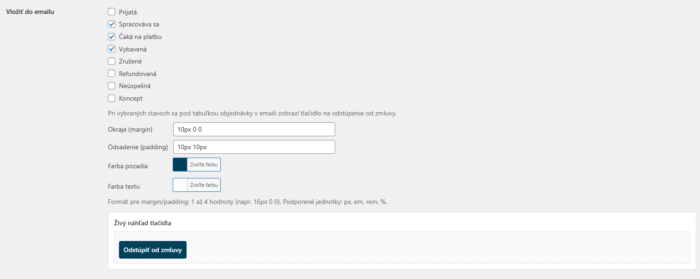
Visible button and form: The plugin will generate a full-featured form for any sub-page (that you put in your footer, for example) and automatically add a „Withdrawal Button“ to orders in your customer account. Exactly as required by law.
-
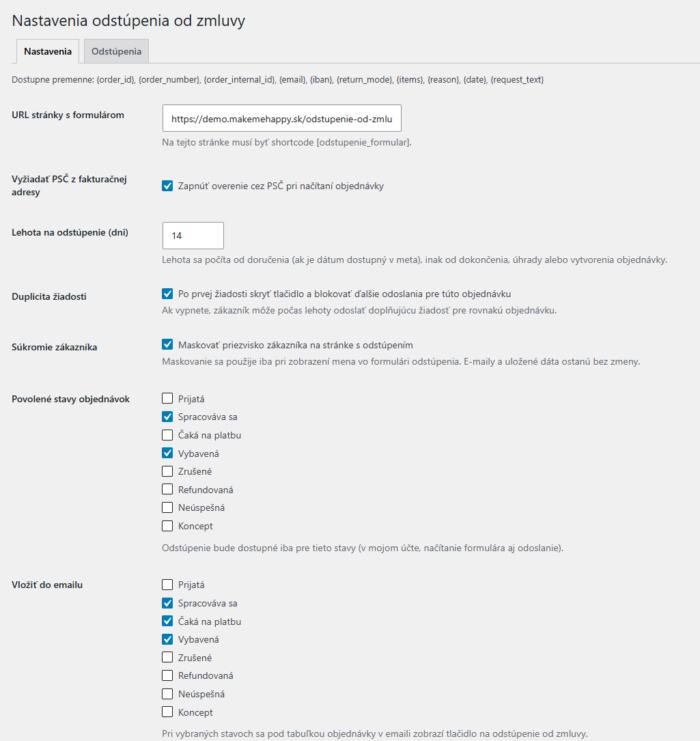
The infallible guardian of the 14-day deadline: The law protects the customer, we protect you. The plugin will start counting the time limit from the moment of delivery (or receipt). If the customer clicks the button on the 15th day, the system will no longer allow them to return.
-
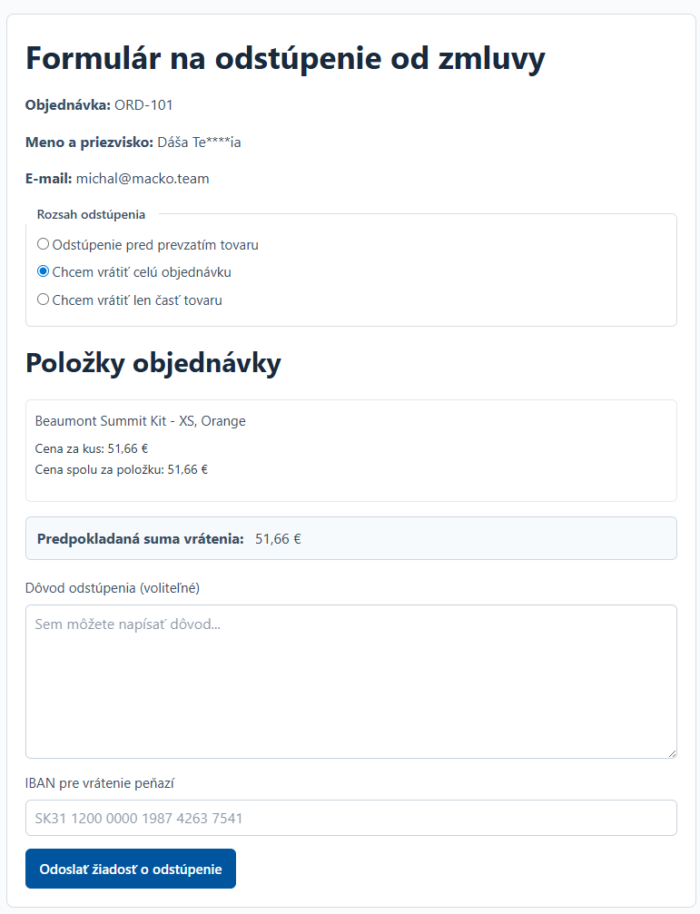
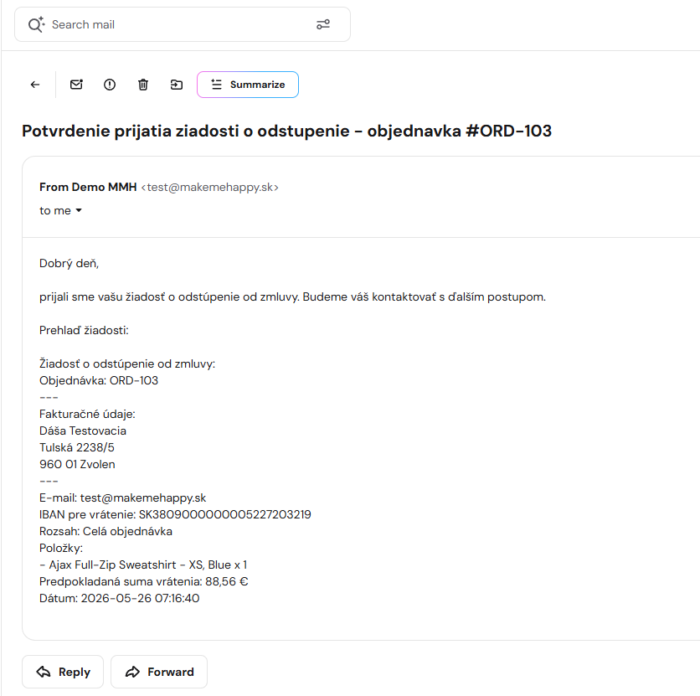
Documentation for refund on time: You have 14 days to get your money back, but customers often forget to send their account number. Our form will obligatorily request the IBAN (for cash on delivery and transfers) before sending the request.
-
It also handles partial withdrawal: The customer does not have to return everything. In the form, he/she can check exactly which items he/she is returning and in what quantity. The system will directly calculate the estimated amount to be refunded.
-
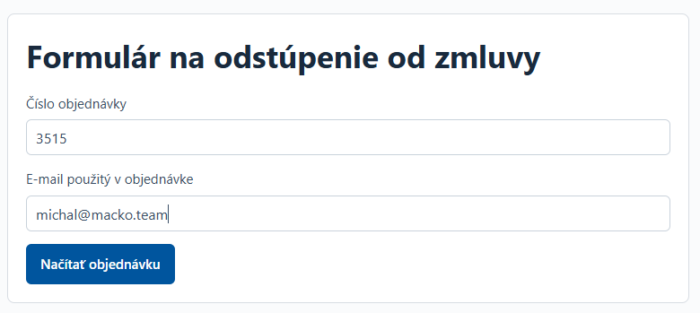
Protection from abuse: Are you worried about someone entering random order numbers into your form? The form is protected by multiple authentication (Order Number + Email) and a limit on the number of attempts (Rate-limit).
How does it all work?
-
The customer clicks a button in their account or opens the page where you inserted the shortcode
[withdrawal_formal]. -
The system verifies the order details and checks that the set time limit has not expired.
-
The customer selects the items to be returned, enters the IBAN and confirms the request.
-
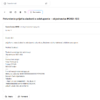
Both you and the customer will receive an email notification and the data will be stored in the system.
Reviews
There are no reviews yet.